The Twitter Conversion API allows you to send information from your server directly to Twitter servers, which can be used to measure campaign success.
With Twitter CAPI, you make tracking more secure and accurate. Like Facebook, Twitter allows and recommends using a hybrid method of tracking, web+server. When combining web and server tracking, deduplication is required. To match users in events to Twitter profiles, they use customer data: email and twclid.
In this guide, I will talk about how the Twitter conversion API works and how to set up the Twitter CAPI tag in sGTM.
Adding only Twitter pixel ID or API token is not enough to identify your Twitter CAPI. Twitter requires additional authentication. This type of authentication is impossible to implement via sGTM. That is why for now, the Twitter CAPI tag works only with the stape. Feel free to modify the tag template and implement authentication by yourself if needed.
It looks like the new Twitter CAPI is not ready for prime time yet, and will require 5x more work than “standard” CAPI implementation if you're already familiar with FB or TikTok's APIs. There are also some other complications when using their platform that makes things difficult on top of it all.
You will need a dev account, apply for access to Twitter CAPI, and generate several access tokens. I will elaborate on all these steps later in a blog post.
Twitter supports event deduplication. If you combine web and server tracking, you must send a deduplication key with both web and server events. Use conversion_id to send the deduplication key. Deduplication happens only if events were received within 48 hours.
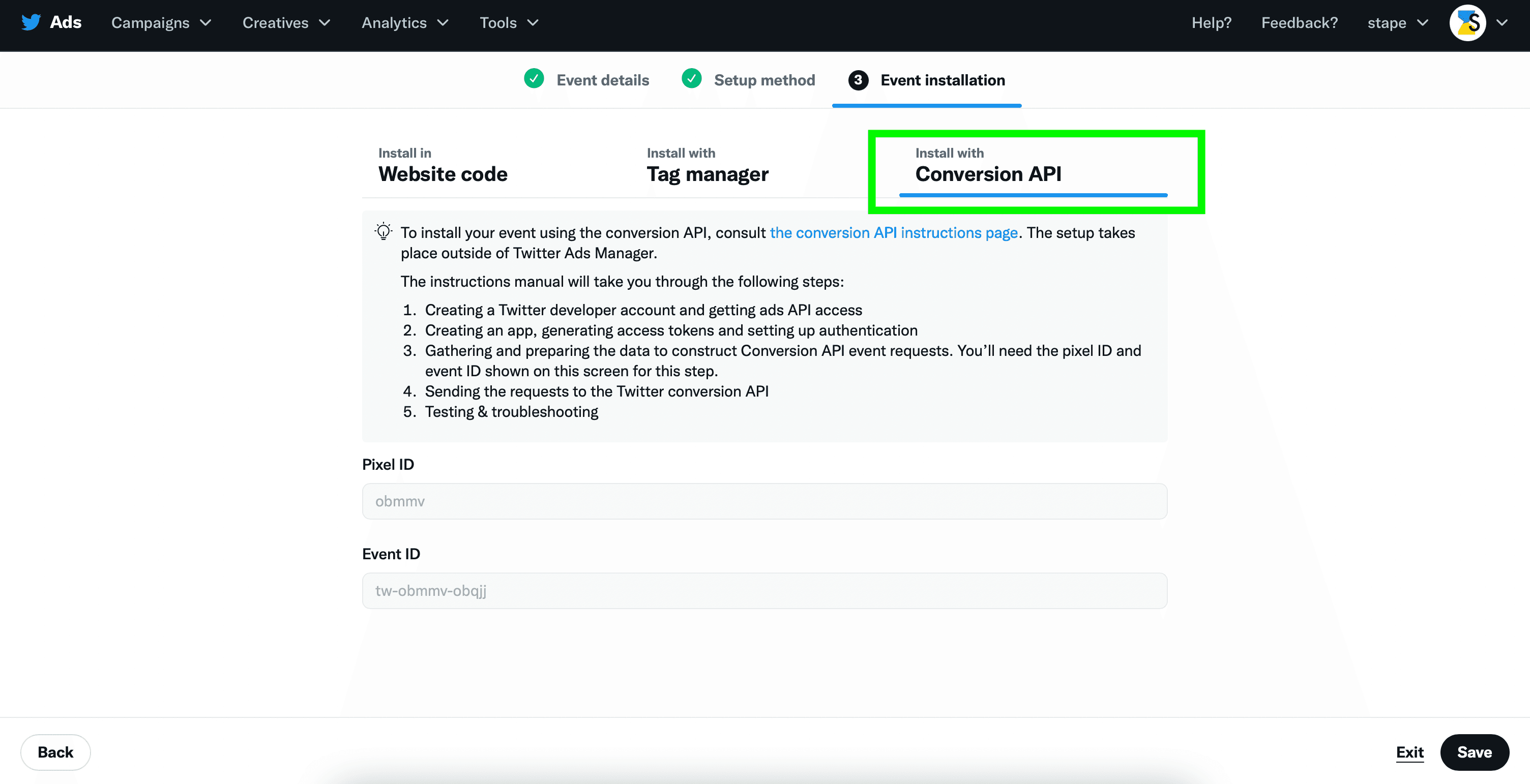
To create a server-only event, you should use the Twitter events manager to create a new event and select install with Conversion API on the 3rd step.
Unlike other platforms, Twitter accepts only user email and twclid. When you send an email, it should be hashed with SHA256. Twitter tag automatically hashed user email.




Comments