Mixpanel is a popular analytics platform that allows you to measure user engagement and track conversions on your website or mobile app.
One of the most common ways to implement Mixpanel are direct integration to your site or using Google Tag Manager. Mixpanel integration using server Google Tag Manager might be a good solution if you want to increase page speed and set cookies more accurately. This guide will describe using our Mixpanel tag for the server GTM container.
Mixpanel server GTM template is available in sGTM Template Gallery.
Mixpanel tag for sGTM can help you with these action types:
Each action type of the Mixpanel tag has its own set of additional settings.
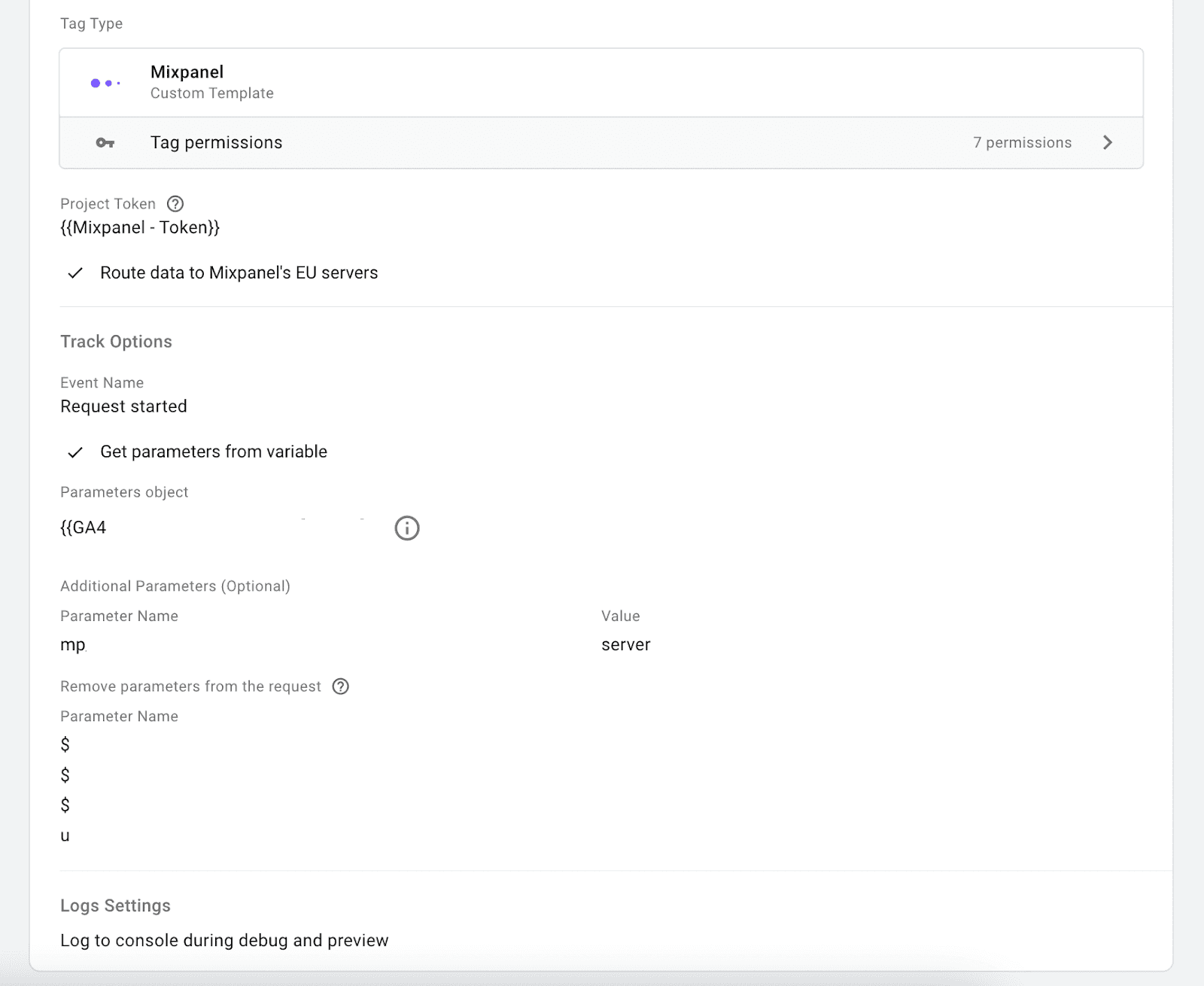
Route data to Mixpanel's EU servers - select if you want to route data to the EU data centers.
Automatically handle customer distinct_id - Mixpanel server API optimized for stateless shared usage; e.g., in a web application, the same mixpanel instance is used across requests for all users. Rather than setting a distinct_id through identity () calls like Mixpanel client-side libraries (where a single Mixpanel instance is tied to a single user), this API requires you to pass the distinct_id with every tracking call.
Send common data with request - Adds to track request user_agent, path, $current_url, $screen_width, $screen_height, $referrer, user ip, etc.
Get parameters from the variable - select if you want to extract any parameters from the sGTM variable.
Additional Parameters - select what other parameters you want to send and add Parameter Name and value.
Remove parameters from the request - add parameters that you want to remove from the requests. Helpful in eliminating standard parameters like $current_url or IP.




Comments