
Ivanna Holubovska
AuthorThere are several reasons why you want to consider moving the hosting of your server Google Tag Manager container from Google Cloud to stape.io.
Here are some benefits of using stape:
We have a more detailed description of the stape benefits here. In this blog post, I want to show how to switch sGTM hosting from Google Cloud to stape.io.
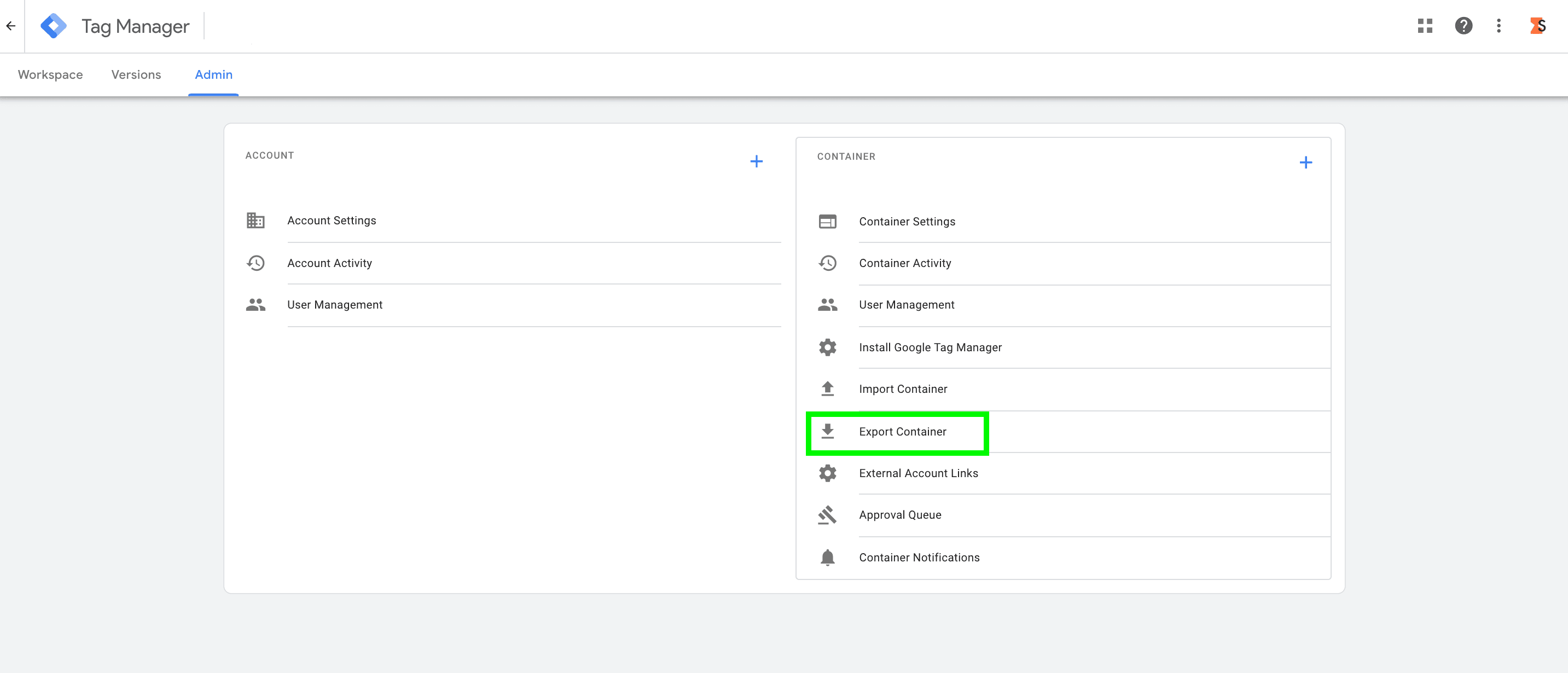
1. Export the existing sGTM container (hosted on Google Cloud) and import it into a new container (hosted on stape.io).
1.1 Open the Admin tab of the sGTM container hosted on the Google Cloud and click Export Container.
1.2 Create a new server container with a manually configured tagging server. For a more detailed description of setting up an sGTM container with a manually configured tagging server, follow the steps from this blog post.
1.3 Import container settings.




Comments