
Ivanna Holubovska
AuthorGoogle Tag Manager server container has close integration with Universal Analytics. When you set up GTM server tagging, you will see that Universal Analytics Client is created by default. In this article, we will discuss the benefits and possibilities that server-side Google Analytics offers. And also, how to configure Google Analytics in your Google Tag Manager Server account.If you don’t have a GTM server container yet, please follow this instruction on how to launch it on your website. If you are still not sure what GTM server tagging is and how it can benefit your website tracking system, please read this blog post.
There are two ways of implementing Google Analytics within a server-side container: host it on your subdomain or our domain. Hosting on your subdomain gives you the massive benefit of bypassing AdBlocker and Intelligent tracking preventions. A custom subdomain feature is not available in a free plan, so you’ll need to update to one of the paid plans; please check our pricing.
In 2020, roughly 27 percent of internet users are using ad blockers. It means that a bit more than a quarter of paid ads will never reach their audiences. And this number is expected to grow by 2-3% annually.
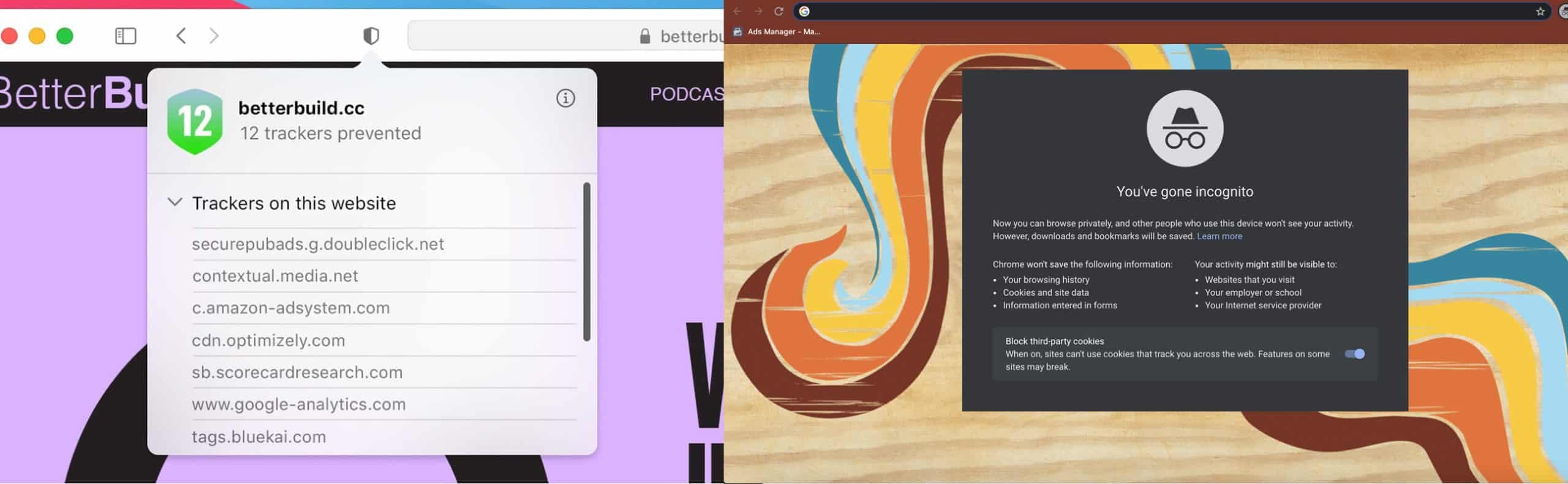
Not only ad blockers prevent your tracking from collecting all data about website visitors. Some browsers are now using Intelligent tracking prevention technology, which is designed to stop 3rd party cookies. Firefox launched it in 2019; Safari began using ITP in autumn 2020. Though Chrome still has not announced anything similar to ITP, it started blocking third-party pixels by default in the incognito mode.




Comments