
Ivanna Holubovska
AuthorThere's no better way than SMS when you need to reach someone quickly and consistently. It has been proven that 98% of all email messages are opened within minutes.
Twilio is one of the leading SMS providers. That is why stape created a Twillio tag for the server Google Tag Manager that helps to send SMS using sGTM. In this blog post, I will show how to use it.
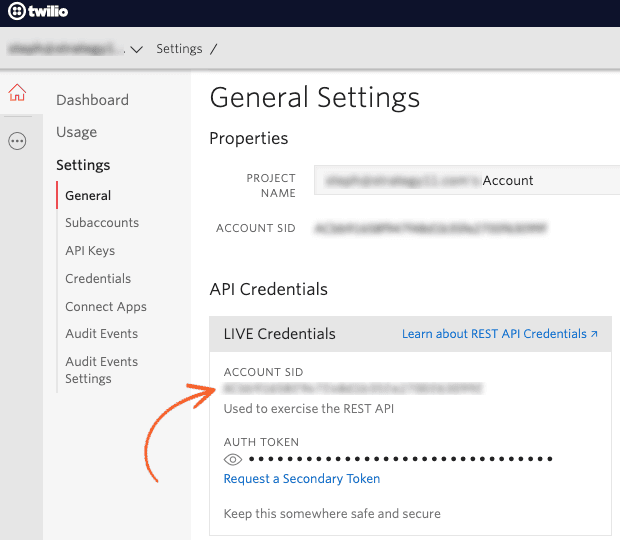
1. First, create a new Twilio account if you do not have one yet. We will need Twilio Account SID and Auth Token. You should also set up a Twilio phone number with SMS functionality.
3. Send data to the server GTM container. The two most popular sending data to sGTM are Google Analytics 4 and Data Tag/Data Client.
4. Download Twilio SMS tag from GitHub or add it from sGTM template Gallery -> Open templates sections in the server Google Tag Manager container -> Click New.
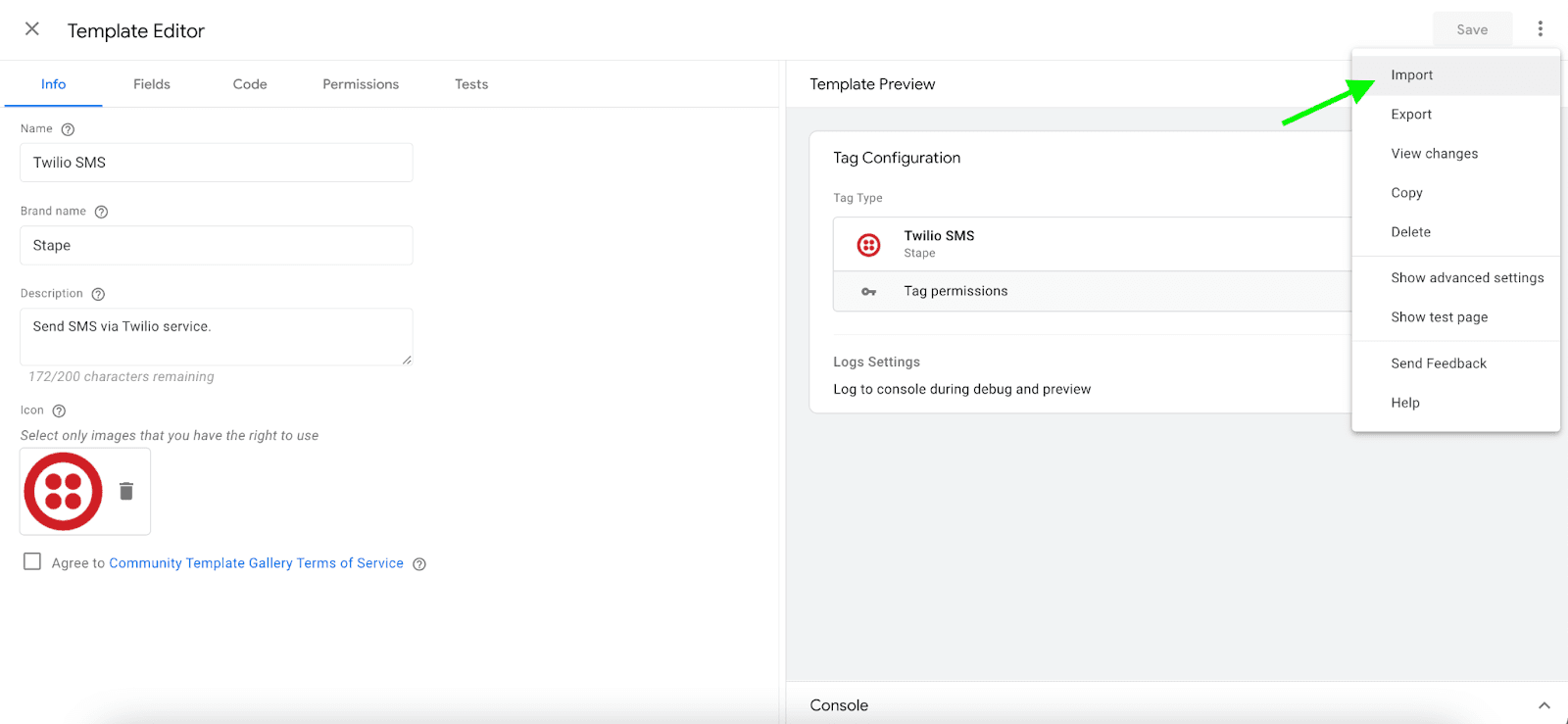
5. Click three dots in the top right corner -> Click Import -> Select Twilio tag template you’ve recently downloaded from GitHub -> Click save.




Comments